
VCF9 – Notes on configuring Microsoft CA
The certificate management on VCF 9 is done using VCF Operations, under the Fleet Management menu.

When using Microsoft CA to manage SSL certificates on VCF 9, there are 2 separate places where this is configured. The first place is under VCF Management, which can be used to configure SSL certificates of both VCF Operations and the Fleet Management appliance.

This configuration is also done in each VCF Instance under VCF Instances, which can be used to configure SSL certificates of the instance’s appliances, such as SDDC Manager, vCenter and NSX Managers. As of the writing of this post (VCF 9.0.1.0), Avi Load Balancer SSL certificates cannot be configured using this interface.

From my testing, it seems that even though both settings are done using VCF Operations, the CA configuration actually uses different components:
- VCF Management uses the Fleet Management appliance.
- Each VCF Instance uses its own SDDC Manager appliance.
This means that things such as Logs will be generated in different places. It also means that a CA configuration that works for VCF Management might not work for a VCF Instance (although the opposite doesn’t seem to be true).
Broadcom does have some guidelines on creating and assigning a valid Microsoft CA Template, which can be useful, specially for the VCF Instance integration:
Create and Add a Microsoft Certificate Authority Template
Assign Certificate Management Privileges to the VMware Cloud Foundation Service Account
Signature Algorithm
One thing to note is that VCF 9 does not support RSASSA-PSS, so in my case I ended up using SHA256RSA for both Root and Intermediate CAs.
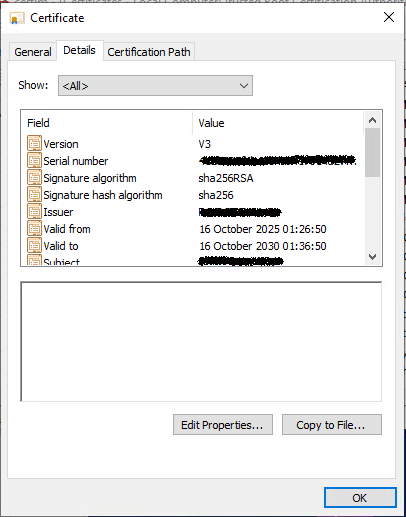
When installing your Root CA, make sure the parameter AlternateSignatureAlgorithm is set to 0 on the CAPolicy.inf file to disable the use of RSASSA-PSS.
—